Group by website
Two or more eligible tabs with the same exact hostname become a native Chrome group. Different subdomains remain separate in basic mode.
A simple tab organizer for Google Chrome™
Got five tabs open from the same site? Put them together in one click. Turn on automatic grouping when you want it — and leave the groups you made yourself alone.
Free website grouping · Optional automation · No account needed for Free
Fewer tabs to scan. Same pages open.
When work spreads across docs, dashboards and other websites, tabs pile up fast. Tab Organizer puts pages from the same website into Chrome’s built-in groups, so you can find what you already have open.
Two or more eligible tabs with the same exact hostname become a native Chrome group. Different subdomains remain separate in basic mode.
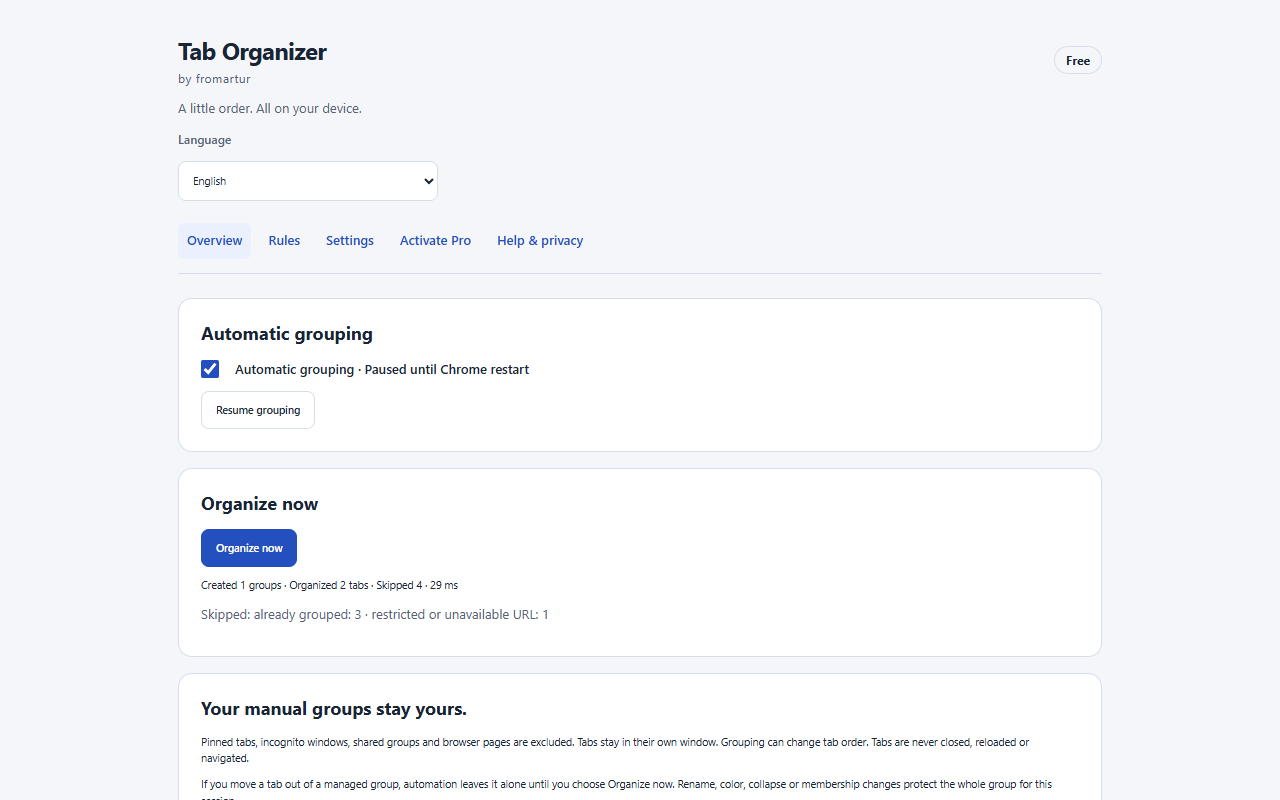
Use Group now whenever you like, or opt in to automatic grouping. It starts switched off after installation.
Groups you created yourself are left alone. Manual edits to extension-created groups are respected during the current session.
Open the sites you need. Tab Organizer works with eligible tabs already open in each Chrome window.
Tabs from the same website are grouped without closing or reloading your pages.
Switch on automatic grouping in the extension when you want it to organize new and updated tabs.
The essentials are free. You can organize tabs without registering or connecting to an online service.
€12.99
one-time · lifetime license · sales not open yet
For workspaces that need something more flexible than grouping one website at a time. Pro functions require an active license.
Tab Organizer processes open-tab URLs locally to identify hostnames. It does not read page contents, collect browsing history or send tab URLs for Pro license checks. Free grouping needs no account or internet connection. Pro licensing may contact a server without sharing tab URLs.
No. Automatic grouping is off when you install it. You can enable it whenever you want; the Group now button also works without it.
Existing manually created groups are not taken over. During the current session, the extension also respects your manual changes to groups it created.
Not in the basic mode. For example, docs.example.com and app.example.com are different hostnames and are grouped separately. Custom Pro rules can combine selected sites.
No. It does not close tabs, save or restore browsing sessions, or move tabs between windows. Grouping may change tab order within a window.
Yes. Grouping by website, Group now and optional automatic grouping are available in Free. Custom rules for different websites are Pro features.
No. Pinned tabs and incognito windows are excluded from normal grouping.
Bring together the pages you already have open, without changing how you browse.